TL;DR — Key Takeaways
Before reaching a Norwegian border crossing, drivers need to confirm that the transport filing is submitted, all consignment data is complete, and the vehicle registration matches the filing. At the border, automated camera gates read the licence plate and match it to the Digitoll filing. No match means manual processing and delays.
Before You Depart
The driver's compliance work starts before the wheels turn. Before departing for a Norwegian border crossing, confirm the following with your back office:
• The transport filing has been created and submitted in the Digitoll system • All master and house consignments are attached to the transport • The vehicle registration number in the filing matches the actual vehicle • The estimated border arrival time has been set
If any of these are missing, the filing will not be matched at the border and the vehicle will be directed to manual processing.
What Happens at the Border
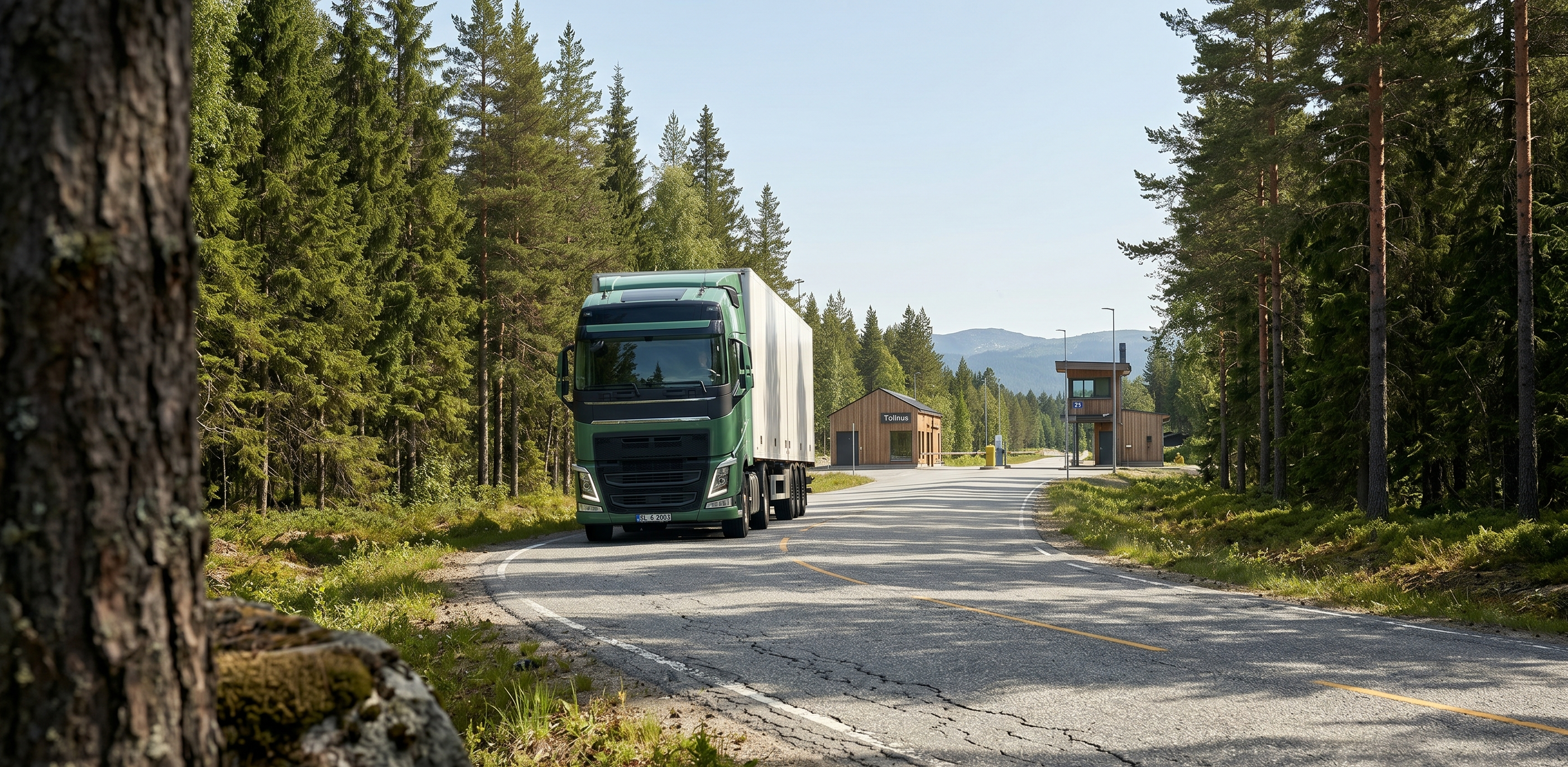
Norwegian border crossings like Svinesund and Ørje are equipped with automated camera systems. As your truck approaches, cameras read the licence plate and look up the vehicle registration in the Digitoll system.
If a valid, pre-submitted filing is found that matches the vehicle, the system gives a green signal and the truck proceeds with minimal or no stopping.
If no matching filing is found, the driver is directed to a manual processing lane for document inspection. This can take anywhere from 30 minutes to several hours depending on traffic and the completeness of available documentation.
The camera match is based on the exact vehicle registration number. A single digit wrong in the filing means no match — even if everything else is correct.
What to Have on Your Device
While the Digitoll system works automatically via camera gates, drivers should have the following accessible on their phone or tablet as backup:
✓ Transport reference number or MRN (Movement Reference Number) ✓ Summary of consignment data (number of house consignments, total weight) ✓ Contact information for the back office in case of issues ✓ A copy of the CMR or transport document
Odin Customs provides a driver-friendly view that shows all of this on a single screen — accessible via a shared link without needing an account.
Bookmark the driver view link or save it to your home screen. When border officers ask for documentation, you can show them the summary instantly.
If Something Goes Wrong
If the camera does not match your vehicle, stay calm and follow the signs to the manual processing area. Common reasons for a mismatch:
• The filing was not submitted before arrival (check with your office) • The vehicle registration number was entered incorrectly • The filing was submitted but has validation errors
In all cases, contact your back office immediately. If using Odin Customs, your office team can review and correct the filing in real-time while you wait at the border.
Equip Your Drivers
Give your drivers a digital checklist that works. Odin Customs provides a driver-friendly view for every transport.
Get Started